Random Student Picker – Call on Students Fairly
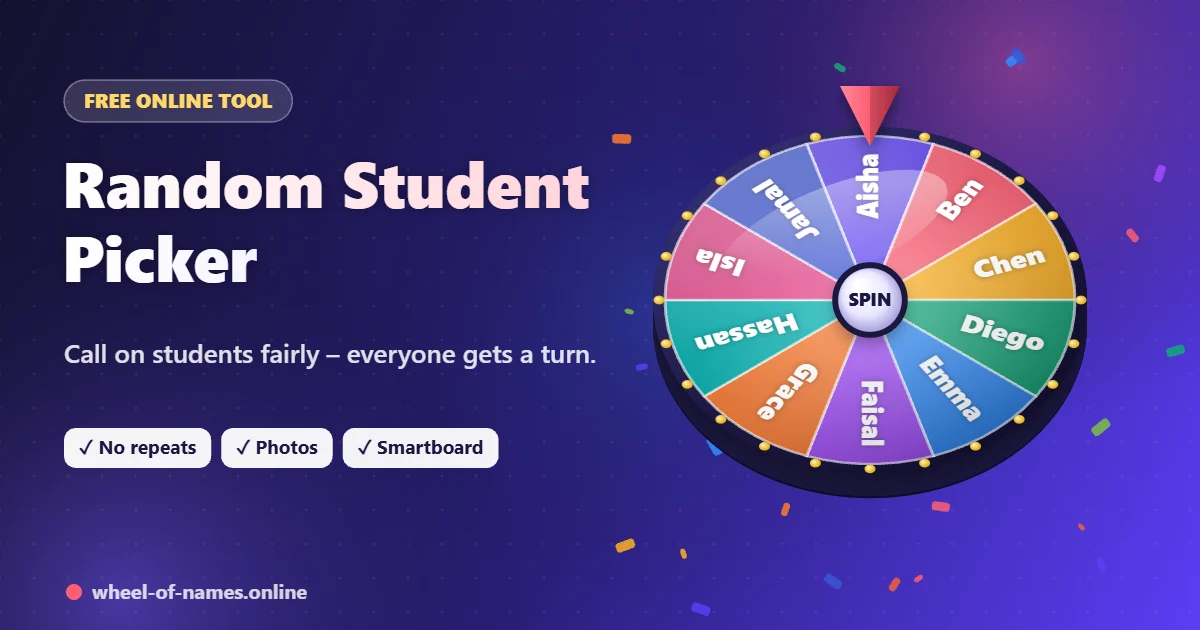
Paste your class list once, then spin to call on students, choose helpers or set presentation order – everyone gets a turn before anyone repeats.
- ✔ Paste a class list
- ✔ No-repeat turns
- ✔ Photos & avatars
- ✔ Projector full screen
One entry per line. Add | 3 after a name to give it 3× the chance (e.g. Ali | 3).
🖼 Add photos to your entries
Photos appear on the wheel and in the winner pop-up. They stay on your device and are never uploaded.
- No spins yet – press Spin.
Every entry’s exact chance of winning the next spin. Bigger weight = bigger slice = higher chance.
Shortcuts: Ctrl + Enter spin · F full screen · Esc close winner
Why Use a Random Student Picker?
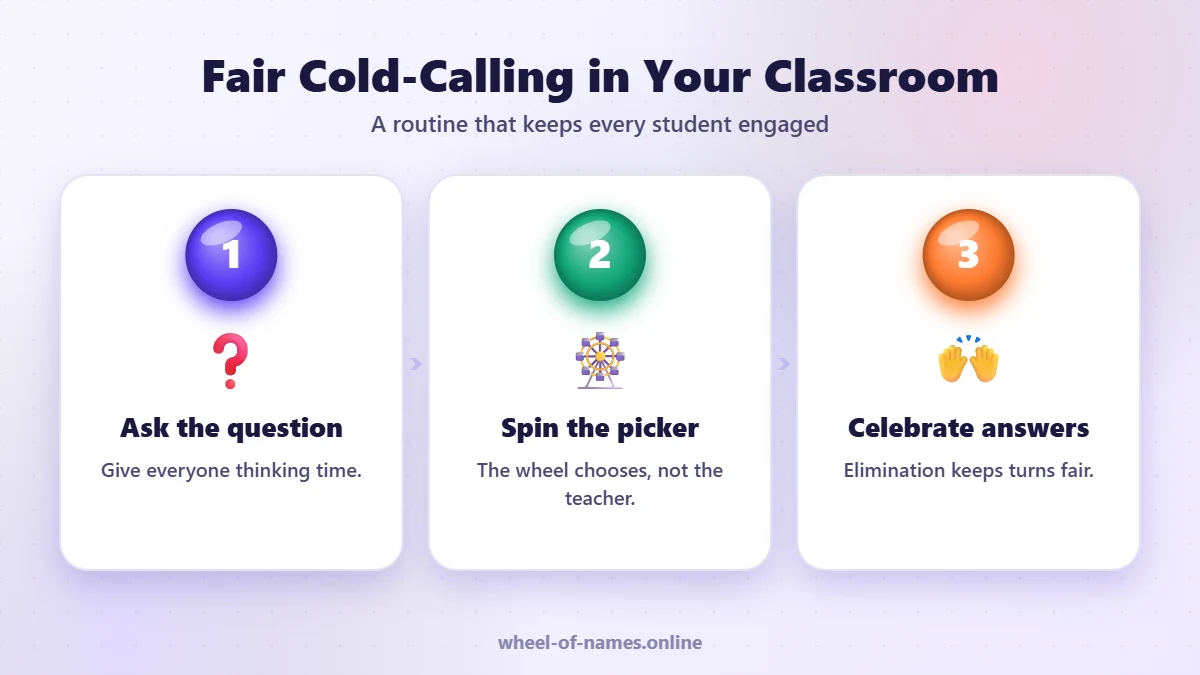
Calling on volunteers means the same few hands go up every lesson. A random student picker gives every student an equal chance of being chosen, which keeps the whole class thinking and ready to answer.
It also takes the pressure off you: students can see the wheel decided, not the teacher, so there’s no feeling of being picked on or ignored. Turn on elimination mode and every student gets a turn before anyone is called twice.
Set Up Your Class in 2 Minutes
- Paste your class list from your register or spreadsheet, one name per line.
- Add photos (optional) under “Add photos to your entries” – great for younger students and new classes.
- Turn on elimination mode in Settings for no-repeat turns.
- Save a link for each class with Share wheel and bookmark it.
- Press F for full screen on your projector or smartboard.
Classroom Strategies That Work
🙋 Think-pair-share
Ask a question, give pairs 30 seconds, then spin to choose who shares.
📖 Reading turns
Spin for the next reader so everyone follows along.
🧑🏫 Classroom jobs
Weekly helpers, line leaders and board cleaners – fair and quick.
🎤 Presentation order
Set Winners per spin to the class size to create the full running order.
👥 Random groups
Use the team splitter in Settings, or the random team generator.
❓ Exit tickets
Spin three students to share one thing they learned today.
Student Privacy
Names and photos you add stay in your browser and are never uploaded to our servers. Share links contain names only (never photos), so use first names or initials if you share a wheel outside your classroom.
Random Student Picker FAQ
How do I stop the same student being picked twice?
Turn on Remove the winner after each spin in Settings. Every student is picked once before the list resets.
Can I save my class lists?
Yes. Your list is remembered on your device, and you can create a share link for each class to bookmark.
Can I add student photos?
Yes. Use Add photos to your entries. Photos stay on your device and are not uploaded.
Does it work on a smartboard?
Yes. Press F or use the Full screen button for projectors and interactive whiteboards.
Is the student picker free for teachers?
Yes, it is completely free with no account required.
More Free Wheels
Need a general picker for any list? Use the main wheel of names spinner, or read our guides on the blog.
Spin for the Next Student
Paste your class list and call on students fairly every lesson.
Go to the wheel ↑